

Passwords protect our email, banking, social media and shopping accounts. Weak or reused passwords are one of the easiest ways for hackers to break in. The Indian Computer Emergency Response Team (CERT-In) and cyber security agencies regularly advise people to follow good password habits. Here are simple tips.
What makes a password weak
- Short passwords like 123456 or password
- Names, birthdays, phone numbers or vehicle numbers
- The same password on many websites
- Simple patterns like qwerty or abcd1234
Hackers use automated tools that can guess such passwords quickly, and leaked passwords from one site are often tried on other sites.
How to create a strong password
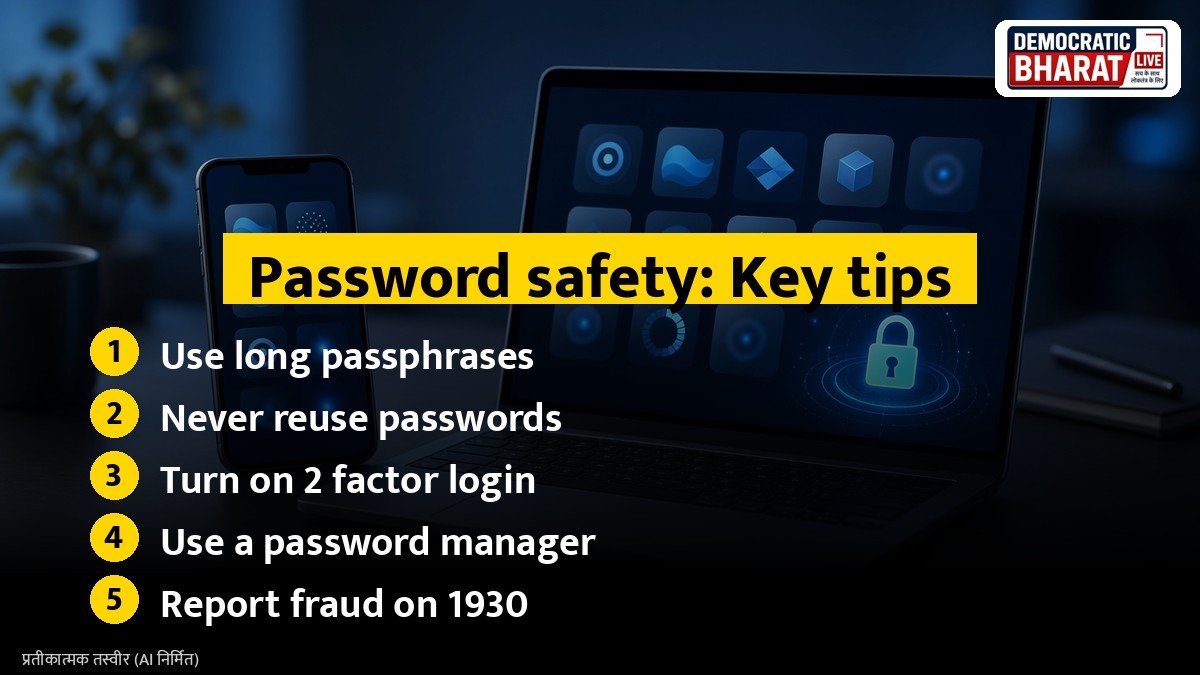
- **Make it long.** Use at least 12 characters. Longer is stronger.
- **Use a passphrase.** Combine several unrelated words with numbers and symbols, such as a short sentence only you would remember.
- **Mix characters.** Use capital and small letters, numbers and symbols.
- **Avoid personal information** that others can find on social media.
Never reuse passwords
Use a different password for each important account, especially email and banking. If one website is breached, other accounts remain safe. Your email account is the most important, because it can be used to reset other passwords.
Also Read: How to Spot Adulterated Sweets This Festive Season: Simple FSSAI Tips for Khoya, Silver Foil and Colours | Diwali Safety Tips: How to Use Festive Lights, Extension Boards and Diyas Without Fire Risk
Use a password manager
A password manager stores all your passwords in an encrypted vault, protected by one strong master password. Many browsers and phones have built in password managers. This makes it easy to use unique passwords for every site.
Turn on two factor authentication
Two factor authentication (2FA) adds a second step, such as a code from an app or an SMS, when you log in. Even if someone steals your password, they cannot log in without the second factor. Turn it on for email, social media, banking and UPI apps.
Other good habits
- Never share passwords, OTPs or PINs with anyone, including people claiming to be from banks.
- Do not save passwords in plain notes or photos.
- Log out from shared or public computers.
- Change passwords immediately if you get a breach alert.
- Keep your phone and apps updated.
If your account is hacked
- Reset the password and log out of all devices.
- Turn on 2FA.
- Inform your bank if financial apps are involved.
- Report cyber fraud on the National Cyber Crime Reporting Portal or call 1930.
Bottom line
A long, unique password with two factor authentication is the simplest way to protect your online accounts.
Source / स्रोत: CERT-In, National Cyber Crime Reporting Portal