
UMANG, short for Unified Mobile Application for New-age Governance, is a government app that brings many central and state government services into one place. Here is what it offers and how to use it.
About UMANG
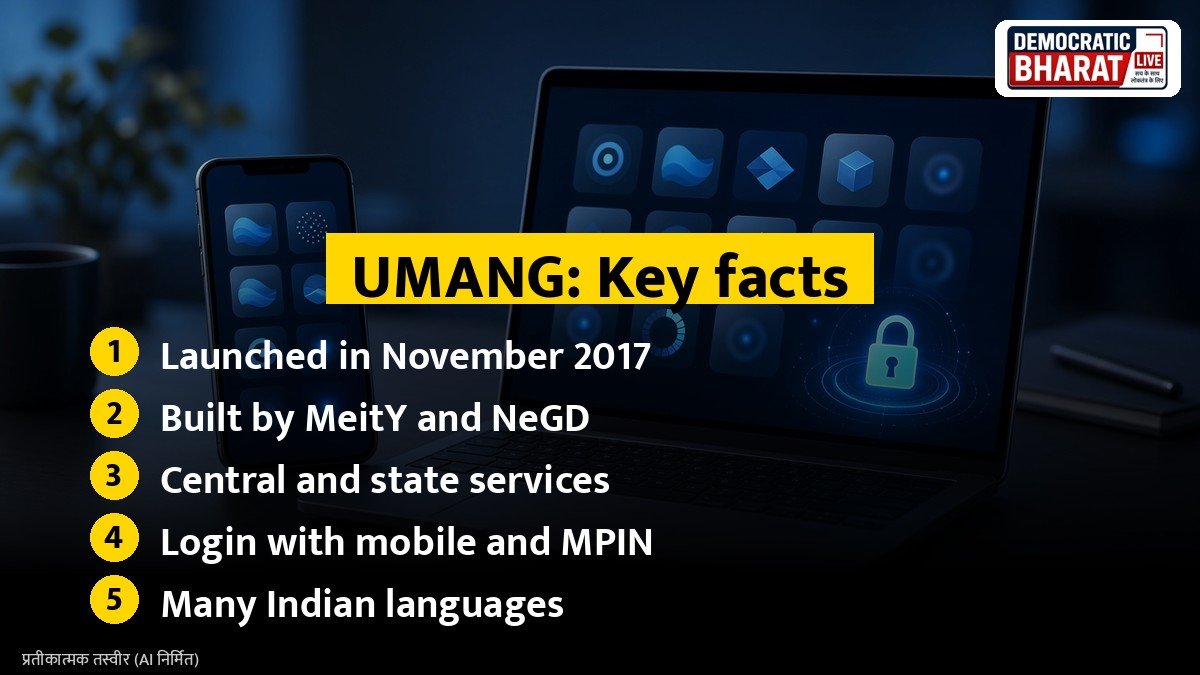
UMANG was launched in November 2017 by the Ministry of Electronics and Information Technology (MeitY), and it is developed by the National e-Governance Division (NeGD). It is available on Android and iOS phones, and through a web version. The app supports English, Hindi and several other Indian languages.
Popular services on UMANG
- **EPFO:** check PF passbook, raise claims and track claim status
- **Pensions:** Jeevan Pramaan and pension related services
- **Income tax:** some taxpayer services
- **Gas booking:** book LPG refills for some providers
- **Bill payments:** electricity, water and other bills through linked services
- **Health:** links to ABHA and other health services
- **Education:** CBSE results and other education services
- **Agriculture:** schemes and advisories for farmers
- **Transport:** some driving licence and vehicle services
- **DigiLocker:** access to digital documents
Services available may change, and some depend on the state you choose.
How to register
- Download the official UMANG app from the Google Play Store or Apple App Store, or open the web version.
- Choose your preferred language.
- Enter your mobile number and verify with OTP.
- Set an MPIN for future logins.
- Optionally, link Aadhaar and DigiLocker to use more services smoothly.
Also Read: DigiLocker Guide: How to Download Aadhaar, PAN, Driving Licence and Marksheets Legally Valid Online | How to File RTI Online: Rs 10 Fee, 30 Day Reply Rule and First Appeal on rtionline.gov.in
How to use a service
- Open the app and search for the service, such as EPFO.
- Select the department and the service you need.
- Follow the steps, such as entering your UAN and OTP for EPF services.
- Download or save receipts and passbooks within the app.
Safety tips
- Download UMANG only from official app stores or the official website.
- Never share your MPIN or OTPs with anyone.
- Log out after using the app on shared devices.
- Check that the app shows the government logo and the publisher name of NeGD.
Help
The app has a help section and a customer care number. For problems with a specific service, such as EPF, you may need to contact that department directly.
Why it is useful
Instead of downloading many apps or visiting offices, citizens can use one app for many routine services, saving time and travel.
Bottom line
UMANG puts many government services on your phone. Register with your mobile number, set an MPIN and search for the service you need.
Source / स्रोत: UMANG, Ministry of Electronics and Information Technology