
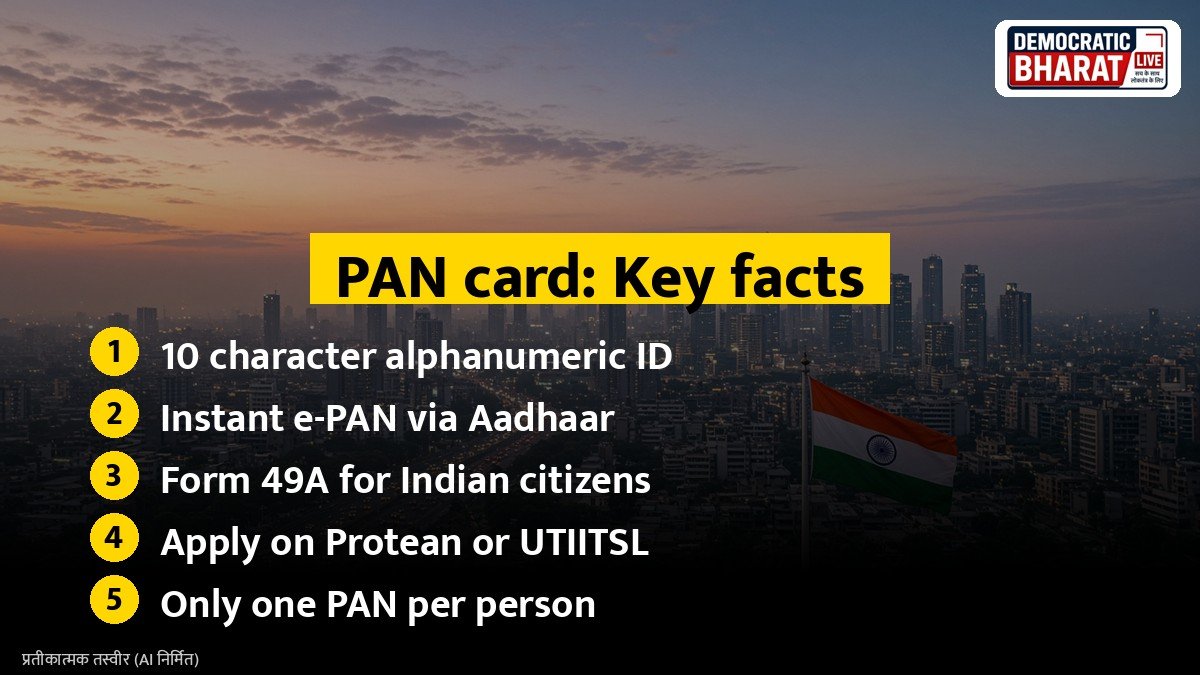
The Permanent Account Number, or PAN, is a 10 character alphanumeric identity issued by the Income Tax Department. It is needed to file income tax returns, open a bank account, buy mutual funds, invest in shares and carry out many high value transactions. Here is how you can apply for one online.
Who needs a PAN
Any person who earns taxable income, runs a business or plans to invest needs a PAN. It is also quoted for property deals, large cash deposits and opening a demat account. A person can hold only one PAN. Holding more than one PAN is not allowed under income tax law and can attract a penalty.
Option 1: Instant e-PAN through Aadhaar
This is the fastest and free route for individuals who have an Aadhaar number linked to a mobile number.
- Visit the Income Tax e-filing portal at incometax.gov.in.
- Click Instant e-PAN under the Quick Links section.
- Choose Get New e-PAN and enter your Aadhaar number.
- Verify with the OTP sent to your Aadhaar linked mobile.
- Confirm your details, which are taken from Aadhaar.
The e-PAN is issued as a PDF and is sent to your email. It is as valid as a physical card.
Option 2: Apply through Protean or UTIITSL
The Income Tax Department has authorised Protean eGov Technologies (earlier NSDL e-Gov) and UTIITSL to process PAN applications.
- Indian citizens use Form 49A.
- Foreign citizens use Form 49AA.
- Fill in your name, date of birth, father’s name and address.
- Upload proof of identity, address and date of birth, or use Aadhaar based e-KYC.
- Pay the fee shown on the portal and e-sign the form.
A physical PAN card is printed and sent by post to the address you give.
Also Read: UDID Card for Persons With Disabilities: How to Apply Online, Documents and Benefits | How to Apply for Passport Online in India: Documents, Fees and Steps on Passport Seva
Documents usually needed
- Proof of identity, such as Aadhaar, voter ID or passport.
- Proof of address, such as Aadhaar, a utility bill or a bank statement.
- Proof of date of birth, such as a birth certificate or matriculation certificate.
- A recent photograph and signature, if not using e-KYC.
How to track your application
You get an acknowledgement number after you apply. Use it on the Protean or UTIITSL website to check the status. For an instant e-PAN, use the Check Status option on the e-filing portal.
PAN 2.0
In November 2024, the Union Cabinet approved the PAN 2.0 project to upgrade PAN services into a single digital platform. The Income Tax Department has said existing PAN cards stay valid. Watch the official portal for any change in the process.
Common mistakes to avoid
- Make sure your name matches exactly across Aadhaar and other documents.
- Do not apply for a second PAN if you have lost the first one. Apply for a reprint instead.
- Use only official websites. Avoid agents who ask for extra money.
Bottom line
Getting a PAN is now simple. Most people with Aadhaar can get a free e-PAN in a few minutes, while those who want a physical card can apply through Protean or UTIITSL.
Source / स्रोत: Income Tax Department e-filing portal, Protean eGov Technologies (PAN), UTIITSL PAN services