

The Goods and Services Tax (GST) is India’s main indirect tax on the supply of goods and services. Businesses above a certain turnover must register under GST and get a GST Identification Number (GSTIN). Here is a guide to who needs to register and how.
Turnover limits
Registration is needed when aggregate annual turnover crosses:
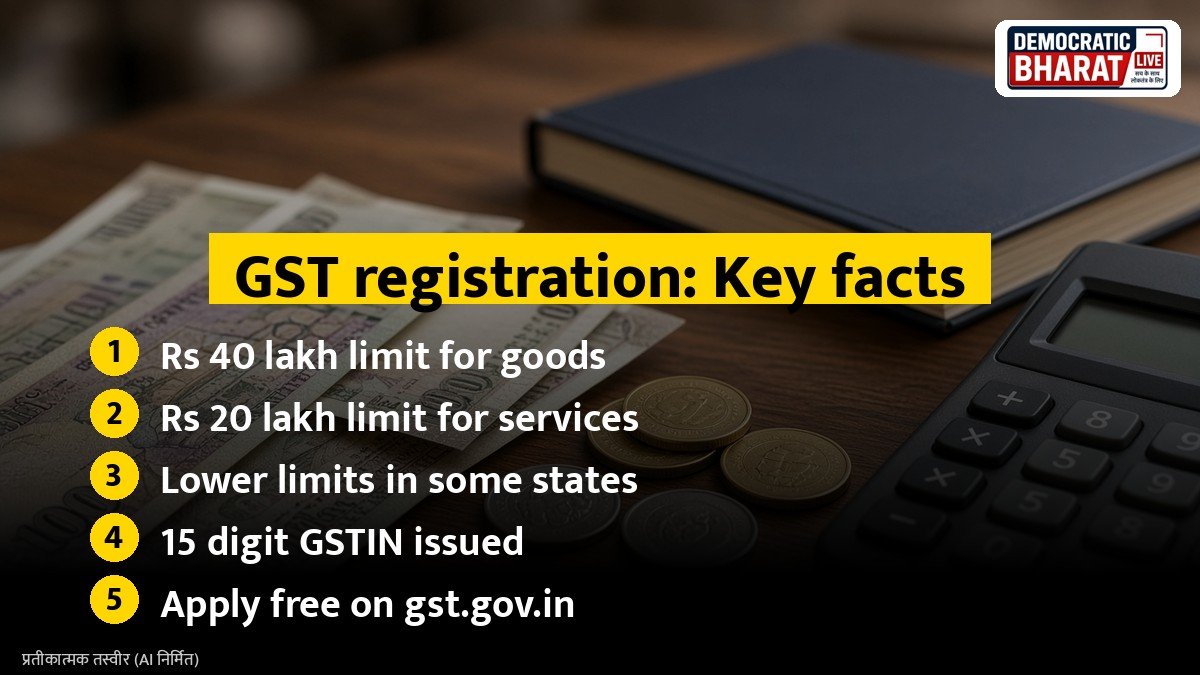
- Rs 40 lakh for businesses that only supply goods, in most states.
- Rs 20 lakh for service providers.
- Lower limits apply in some special category states, such as Rs 20 lakh for goods and Rs 10 lakh for services in certain north eastern and hill states.
Aggregate turnover includes all taxable, exempt and export supplies across India under the same PAN.
When registration is compulsory
Some businesses must register even if turnover is below the limit:
- Those making inter state supplies of goods.
- Sellers on e-commerce platforms, with some exceptions for service providers.
- Casual taxable persons and non resident taxable persons.
- Those liable to pay tax under reverse charge.
- Input service distributors and agents supplying on behalf of others.
Composition scheme
Small businesses with turnover up to Rs 1.5 crore (lower in some states) can opt for the composition scheme. They pay tax at a low fixed rate on turnover and file simpler returns, but cannot collect GST from customers or claim input tax credit.
Also Read: How to Link PAN with Aadhaar Online: Status Check, Rs 1,000 Fee and What Happens to an Inoperative PAN | Sukanya Samriddhi Account: Rules, Deposit Limits, Tax Benefits and When the Money Can Be Withdrawn
Documents usually needed
- PAN of the business or owner.
- Aadhaar of the proprietor, partners or directors.
- Proof of business address, such as an electricity bill, rent agreement or ownership papers.
- Bank account details.
- Photographs and, for companies, the certificate of incorporation.
How to apply online
- Go to the GST portal and choose New Registration under Services.
- Fill Part A with PAN, mobile and email, and verify with OTPs.
- Use the temporary reference number to fill Part B with business details.
- Upload documents and choose Aadhaar authentication.
- Submit with an electronic signature or EVC.
If everything is in order, the GST registration certificate is issued online. Registration is free on the official portal.
After registration
- Display your GSTIN on your signboard and invoices.
- File returns on time to avoid late fees.
- Keep proper records of sales and purchases.
Bottom line
GST registration is needed once turnover crosses the limit or in special cases like inter state sales and e-commerce selling. It is free and can be done fully online on the GST portal.
Source / स्रोत: GST portal, Goods and Services Tax Network, Central Board of Indirect Taxes and Customs, Press Information Bureau