
Aadhaar is used to verify identity through fingerprints, iris or face. To prevent misuse, the Unique Identification Authority of India (UIDAI) lets Aadhaar holders lock their biometrics. When locked, nobody can use your fingerprints or iris for Aadhaar authentication until you unlock them.
Why lock biometrics
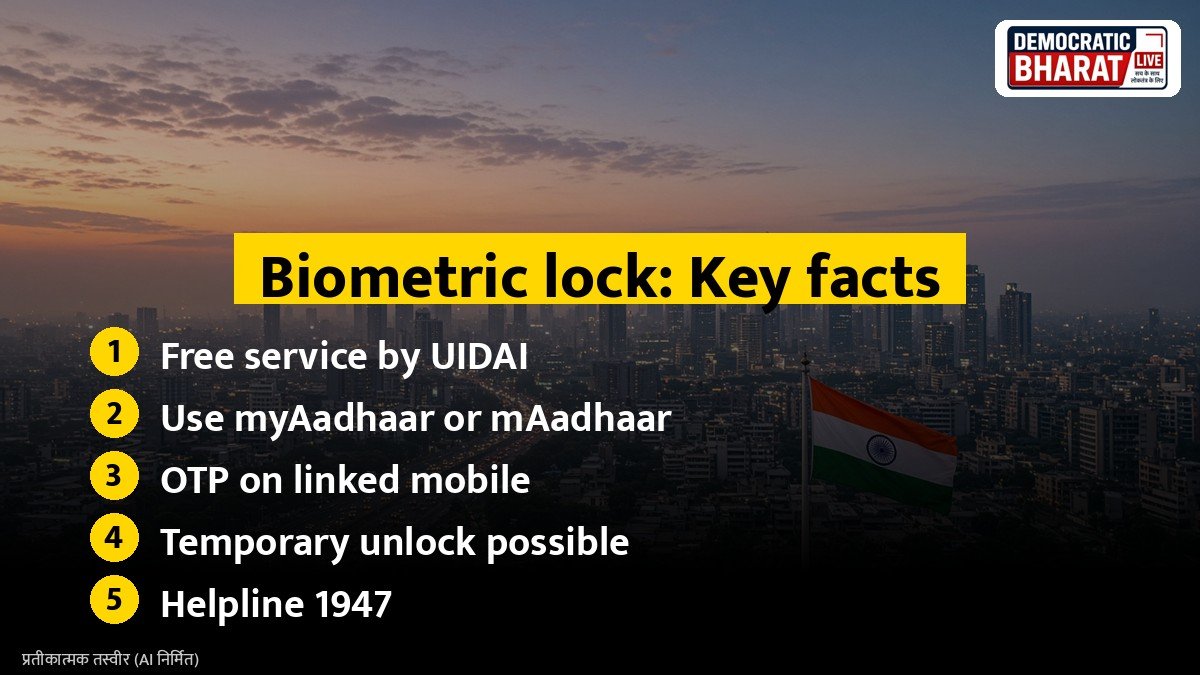
Fraudsters have in some cases misused copied fingerprints to withdraw money through Aadhaar enabled payment systems (AePS). Locking biometrics adds a layer of safety. OTP based authentication continues to work even when biometrics are locked.
What you need
- Your Aadhaar number or Virtual ID (VID)
- A mobile number linked with Aadhaar, to receive OTPs
If your mobile is not linked, visit an Aadhaar Seva Kendra or enrolment centre to update it first.
How to lock biometrics on myAadhaar
- Go to the myAadhaar portal and log in with your Aadhaar number and OTP.
- Select Lock or Unlock Biometrics.
- Read the note, tick the consent box and click Next.
- Choose the option to lock biometrics and confirm.
You will see a message that your biometrics are locked.
Also Read: DigiLocker Guide: How to Download Aadhaar, PAN, Driving Licence and Marksheets Legally Valid Online | Aadhaar Address Update Online: How to Change Your Address on myAadhaar and Which Documents Work
Using the mAadhaar app
You can also use the official mAadhaar app. Register your profile, open Biometric Lock, verify with OTP and enable the lock.
How to unlock
When you need biometric authentication, for example for a bank, SIM or ration verification:
- Log in to myAadhaar or mAadhaar.
- Choose Lock or Unlock Biometrics.
- Select temporary unlock.
A temporary unlock lasts for a short period, after which the lock comes back automatically. You can also disable the lock fully from the same section.
Other safety steps
- Check Aadhaar authentication history on myAadhaar to see where your Aadhaar was used.
- Share a masked Aadhaar, which shows only the last four digits, where full details are not needed.
- Use a Virtual ID instead of your Aadhaar number for online services that accept it.
- Never share Aadhaar OTPs with anyone.
Report misuse
If you suspect misuse, call the UIDAI helpline 1947 or email help@uidai.gov.in. For bank fraud, call the cyber crime helpline 1930 and inform your bank immediately.
Bottom line
The Aadhaar biometric lock is free and takes only a few minutes. Lock your biometrics, unlock them only when needed and check authentication history regularly.
Source / स्रोत: UIDAI, myAadhaar portal