
A driving licence must be valid every time you drive. If your licence is close to expiry, you can start the renewal online through the Parivahan Sewa portal of the Ministry of Road Transport and Highways. Here is how it works.
How long a licence is valid
Under the Motor Vehicles Act as amended in 2019, a licence for non transport (private) vehicles is generally valid for 20 years from the date of issue or until the holder turns 40, whichever is earlier. After that, it is renewed for 10 years at a time until 50 and then for 5 years at a time, though the exact period is shown on your licence. Transport (commercial) licences have a shorter validity.
When to apply
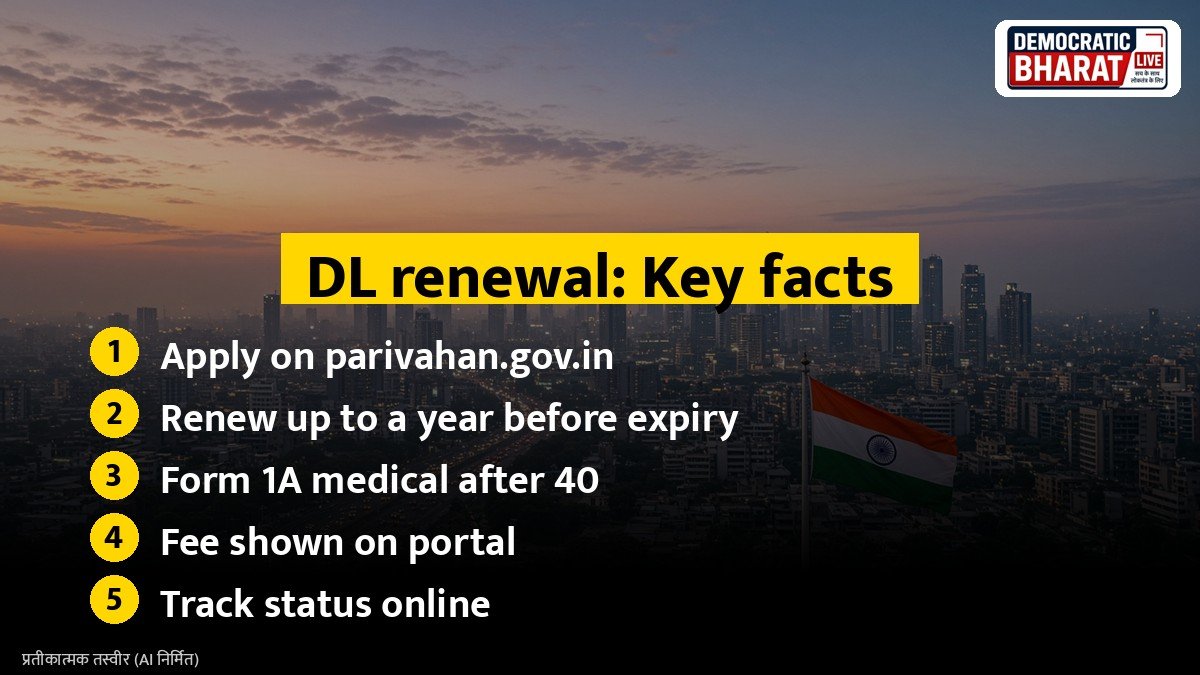
You can apply for renewal up to one year before the expiry date and within one year after expiry. If you apply more than a year after expiry, you may have to take a driving test again. Driving with an expired licence can lead to a fine.
Documents needed
- Existing driving licence
- Proof of address and identity, if details have changed
- Recent photograph and signature, as per the portal
- Medical certificate in Form 1A, signed by a registered doctor, if you are 40 or older
- Aadhaar, for Aadhaar based services where available
Also Read: How to Apply for Passport Online in India: Documents, Fees and Steps on Passport Seva | DigiLocker Guide: How to Download Aadhaar, PAN, Driving Licence and Marksheets Legally Valid Online
Steps to renew online
- Visit the Parivahan portal and open the Sarathi driving licence services.
- Select your state.
- Choose Services on DL (Renewal, Duplicate, AEDL, IDP, Others).
- Enter your licence number and date of birth to fetch details.
- Select DL Renewal, fill in the form and upload documents.
- Pay the fee online. The fee is shown on the portal and may vary by state and service.
- Book an appointment at the RTO if your state requires a visit for biometrics or document checks.
In many states, Aadhaar authenticated renewal can be done fully online, with the new licence sent by post.
Track your application
Use the Application Status option on the Sarathi portal with your application number. The renewed licence is also available in DigiLocker and mParivahan once issued.
Tips
- Renew well before expiry to avoid trouble during travel.
- Update your mobile number on the licence record to get OTPs and alerts.
- Use only official government websites and avoid paying agents.
Bottom line
Renewing a driving licence is simple on the Parivahan Sarathi portal. Apply on time, keep the medical certificate ready if you are over 40, and track the status online.
Source / स्रोत: Parivahan Sewa, Ministry of Road Transport and Highways, Sarathi portal