
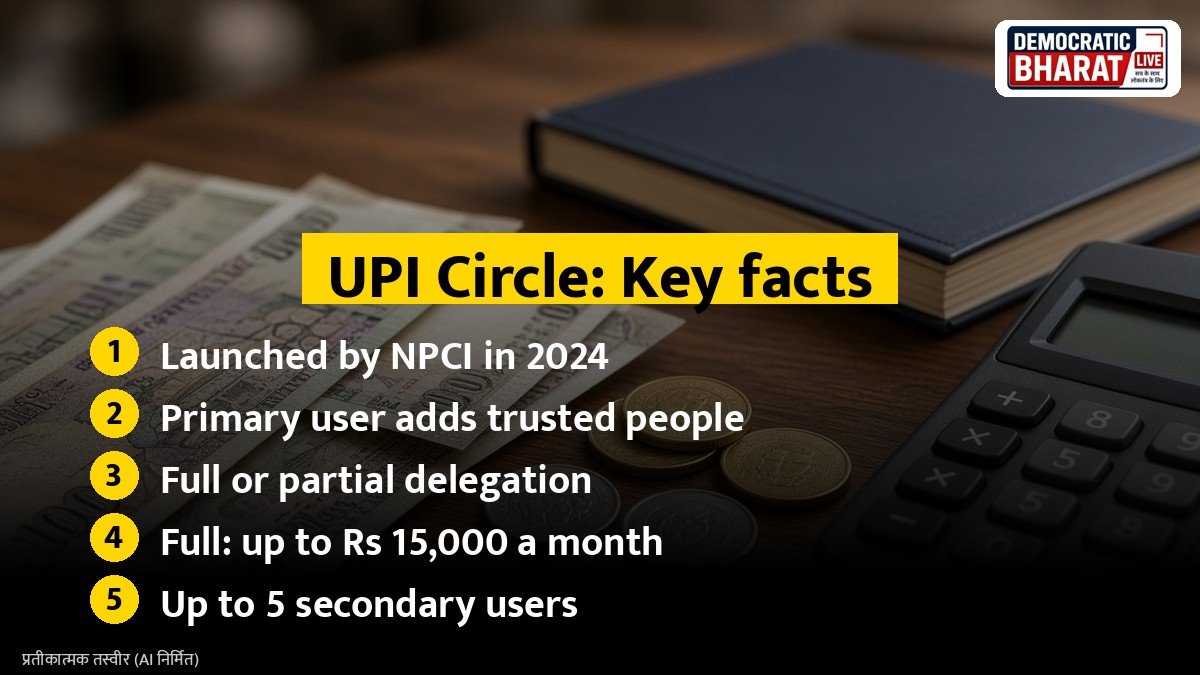
Many people, such as elderly parents or college students, do not have their own bank account linked to UPI. UPI Circle, launched by the National Payments Corporation of India (NPCI) in 2024, lets a trusted person pay using your account. Here is how it works.
What is UPI Circle
UPI Circle is a delegated payments feature. The account holder, called the primary user, can add trusted people, called secondary users, to their UPI Circle. The secondary user can then make payments from the primary user’s account within set limits.
Two types of delegation
**Partial delegation:** The secondary user starts a payment, and the primary user gets a request on their phone. The primary user approves it by entering their UPI PIN.
**Full delegation:** The primary user sets a monthly limit, and the secondary user can pay within it without approval each time. The secondary user confirms using their own UPI PIN.
Limits
Under NPCI rules for full delegation:
- The primary user can set a monthly limit of up to Rs 15,000.
- Each transaction can be up to Rs 5,000.
A primary user can add up to five secondary users, and a secondary user can be linked to only one primary user. Limits may change, so check your UPI app.
Also Read: How to Open a Demat Account: Documents, Charges, BSDA and Safety Tips | Sukanya Samriddhi Account: Rules, Deposit Limits, Tax Benefits and When the Money Can Be Withdrawn
How to set it up
- Open a UPI app that supports UPI Circle.
- Go to the UPI Circle section.
- Add a secondary user by scanning their QR code or entering their UPI ID.
- Choose full or partial delegation and set the limit.
- Confirm with your UPI PIN.
- The secondary user accepts the invitation in their own app.
Who can benefit
- Elderly parents who are not comfortable with banking apps.
- Students who need small daily spending money.
- Household helpers who buy groceries for the family.
Safety tips
- Add only people you trust fully.
- Start with partial delegation or a low limit.
- Check transaction alerts regularly.
- You can remove a secondary user or change limits at any time.
- Never share your own UPI PIN with anyone.
- Report fraud to your bank and the cyber crime helpline 1930.
Bottom line
UPI Circle lets families share digital payments safely within limits. It keeps control with the account holder while giving loved ones convenience.
Source / स्रोत: National Payments Corporation of India, UPI Circle, Reserve Bank of India, Press Information Bureau