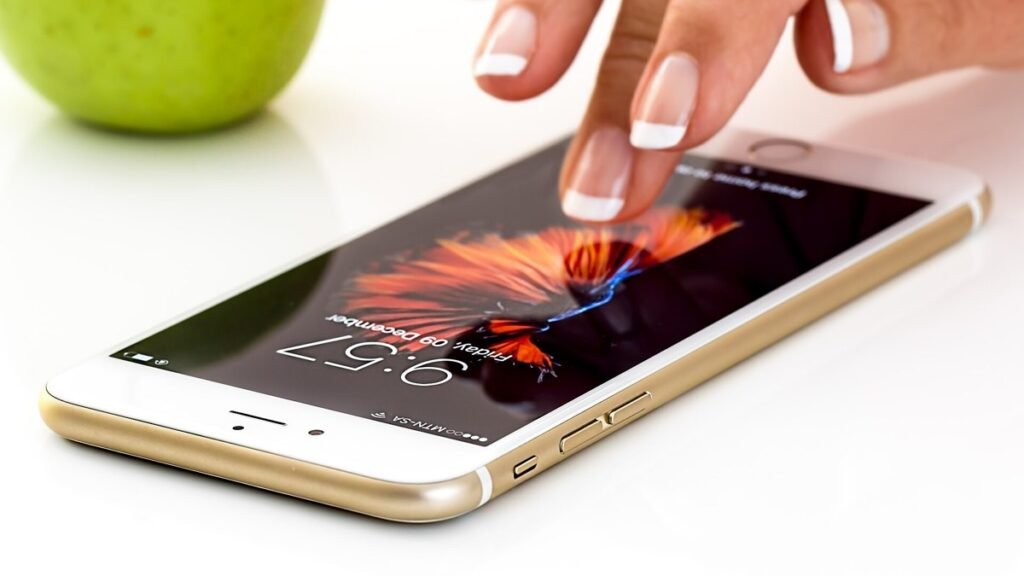
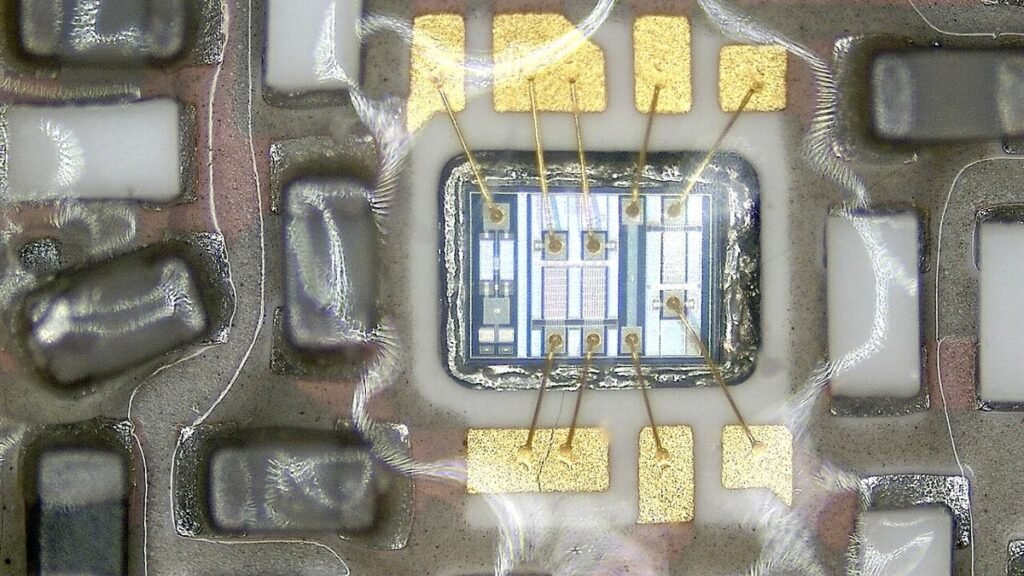
When a phone advertisement talks about 8 GB and 128 GB in the same line, it is easy to think both numbers measure the same thing. They do not. The smaller figure is usually RAM, or random access memory. The larger figure is usually storage, sometimes called ROM, internal memory or simply the phone’s space for files. RAM is the phone’s short term workspace. Storage is the cupboard where apps, photographs, videos, messages and documents stay until you remove them.
Think of a study table and a bookshelf. RAM is the table. The more clear space you have, the more books and notebooks you can keep open at once. Storage is the shelf. It can be large, but if the table is tiny, you still work slowly because you keep putting books back and taking new ones out. A phone with plenty of storage can still stutter if RAM is low or if too many apps are kept running in the background. The reverse is also true. Ample RAM cannot save you if the storage is almost full.
What RAM actually does
RAM holds the operating system, the app on your screen, and parts of other apps that the system has not fully closed. Switching quickly between a messaging app, a browser and a camera uses RAM. When RAM is short, the system has to close background apps and reload them later, which feels like lag. You cannot treat RAM like a folder. You do not store a wedding video in RAM. When the phone is restarted, the contents of RAM are cleared in the ordinary course, and apps load again from storage.
Phone makers list RAM in gigabytes. More RAM can help if you use many apps, but the quality of the processor, the software and how clean the storage is also matter. Two phones with the same RAM can feel different. This article does not quote benchmark scores, because those figures vary by test and by model. The practical test is simple. If the phone often reloads the page you just left, or if games take a long time to resume, RAM pressure may be one reason.
What storage does, and why a full phone feels slow
Storage holds the system, preinstalled apps, the apps you install, their data, photographs, videos, WhatsApp media and downloaded files. When storage is nearly full, the phone struggles to write temporary files, update apps and keep a small reserve for the system. That is why a phone that is almost full can feel slow even if RAM looks adequate in the settings. Clearing the cache of heavy apps, deleting unused apps, moving photographs to a computer or a trusted cloud account, and turning off auto download of media in chat apps often free a large amount of space.
Some phones also accept a memory card. A card can hold videos and documents, but it is not a substitute for RAM, and it is not always used for apps. Follow the maker’s instructions. Before selling or giving away a phone, back up what you need and then erase the device, because storage, not RAM, is where your personal files live. Official guidance on safe disposal and wiping is also useful when a device changes hands.
What to check when you buy or upgrade
Read the two numbers separately. Ask how much RAM and how much storage the model has, and how much storage is already used by the system. The storage you can actually use is often less than the headline figure, because the operating system takes a share. If you shoot a lot of video, storage matters more. If you keep many apps open for work, RAM matters more. A modest increase in both is often better than a very large storage figure with very little RAM, or the other way around.
You cannot usually add RAM to a phone the way some computers allow. A few software features claim to expand RAM by using a slice of storage as extra memory. That is a helper, not a true replacement for physical RAM, and results vary. Treat it as an option in settings, not a reason to ignore the hardware figure. Keep the system updated from the official maker, because updates can improve how memory is managed, and also fix security flaws. Download updates only from the phone’s official menu, not from unknown links.
In short, RAM is the workspace and storage is the cupboard. A slow phone may be short of either, or both. Check storage first, because filling it is common and often reversible without buying a new device. If storage is already free and the phone still reloads apps all the time, RAM and overall hardware may be the limit. Read both figures carefully before you buy, keep backups, and do not confuse a memory card or a software RAM expander with the real workspace the phone was built with.
Also Read: DigiLocker Guide: How to Download Aadhaar, PAN, Driving Licence and Marksheets Legally Valid
Source: MeitY, Digital India, CERT-In, Google Android Help, storage and memory