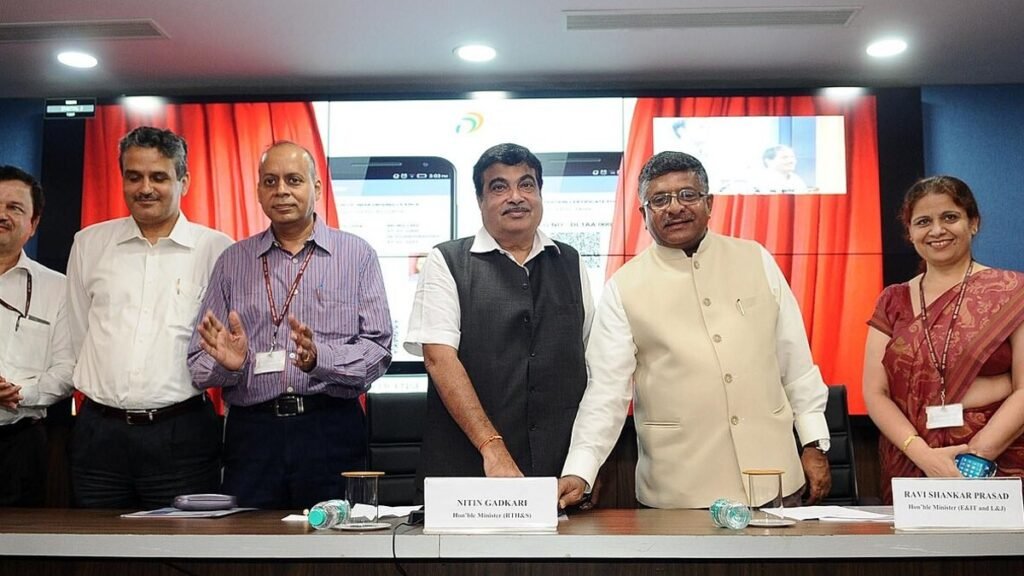
DigiLocker is a digital document service run under the Digital India programme of the Ministry of Electronics and Information Technology. It gives every citizen a secure online space where documents issued by government departments and other institutions can be fetched directly from the issuer’s records. A driving licence from the transport department, a vehicle registration certificate, a school board mark sheet or an Aadhaar copy can all be stored this way. These are not scanned photos but digitally issued copies, which is what makes the service useful.
DigiLocker is available at digilocker.gov.in and as an official mobile app. Download the app only from the Google Play Store or Apple App Store after checking the publisher name. Fake apps and look alike websites can steal personal data, so always confirm the government domain in the address bar.

What you need to sign up
You need an active mobile number to receive OTPs. Linking your Aadhaar number makes it much easier to find documents, because many issuers match records using Aadhaar based identity. The Aadhaar OTP goes to the mobile number registered with Aadhaar, so if that number is outdated, update it first at an Aadhaar Seva Kendra or enrolment centre.
Step by step sign up
Open the website or app and choose Sign Up. Enter your name as in Aadhaar, date of birth, gender and mobile number. Verify the mobile number with the OTP. Next, create a security PIN, which you will use for future logins. Then enter your Aadhaar number and verify it with the Aadhaar OTP to link it to your account. Your account is now ready, and you can also choose a username for easier login.
Keep the PIN private. Neither DigiLocker nor any government department will ask for your PIN or OTP over the phone. If someone offers to help you add documents and asks for the OTP, refuse. Always log out after using a shared or public computer.
Fetching issued documents
After signing up, use the search or Issued Documents section. Search for the department or institution, such as the Ministry of Road Transport and Highways for a driving licence or vehicle registration, or your school board for mark sheets. Enter the details asked for, such as licence number or roll number and year. If the record matches, the document appears in your Issued Documents. If your name or date of birth differs between records, the match may fail, and the correction has to be made with the original issuer.
There is a difference between issued documents and uploaded documents. Issued documents come straight from the issuer. Uploaded documents are scans you add yourself for convenience, and they do not carry the same standing. Wherever possible, fetch issued documents.
Legal recognition
Rules framed under the Information Technology Act treat documents issued through DigiLocker as being on par with original physical documents. The Ministry of Road Transport and Highways has also recognised digital copies of transport documents presented through DigiLocker. Specific offices may still have their own procedures, so check the official notice of the concerned department when in doubt.
Common problems
If the OTP does not arrive, check your network and try again after a few minutes. If a document is not found, look for spelling differences in your name. If you forget your PIN, reset it inside the app using an OTP. For technical issues, use only the help options listed on the official DigiLocker website.
In short, setting up DigiLocker takes a few minutes when your Aadhaar is linked to your mobile number. Fetch your issued documents, keep your PIN safe and use only the official app and website. During travel, job applications or vehicle checks, it greatly reduces the need to carry paper documents.
Also Read: APAAR ID for Students: What It Is, Benefits, How to Create It and Is It Mandatory
Source: DigiLocker official website, Ministry of Electronics and Information Technology