Two factor authentication, often written as 2FA, is a way of logging in that asks for two different kinds of proof before letting you into an account. The first is something you know, usually a password. The second is something you have, such as your phone or a security key, or something you are, such as a fingerprint. The idea is simple: even if a criminal steals or guesses your password, they still cannot log in without the second factor.
Passwords leak in many ways. People reuse the same password on many sites, and when one site suffers a data breach, criminals try those passwords elsewhere. Phishing pages trick users into typing passwords. Malware on a computer can record keystrokes. Two factor authentication does not make an account unbreakable, but it blocks a large share of these everyday attacks.
Common types of second factor
The most familiar second factor in India is the one time password sent by SMS. Banks have used OTPs for card and net banking transactions for years. SMS OTPs are convenient, but they can be stolen through SIM swap fraud or simply by tricking the user into reading the code aloud. That is why no genuine bank or company will ever call and ask for your OTP.
Authenticator apps generate a new six digit code every few seconds on your phone, even without a network connection. Because the code is created on the device, it cannot be intercepted on the way like an SMS. Many email, social media and cloud services support these apps. Push notifications, where the service asks you to tap Approve on a trusted device, are another option, but you should only approve a login you started yourself.
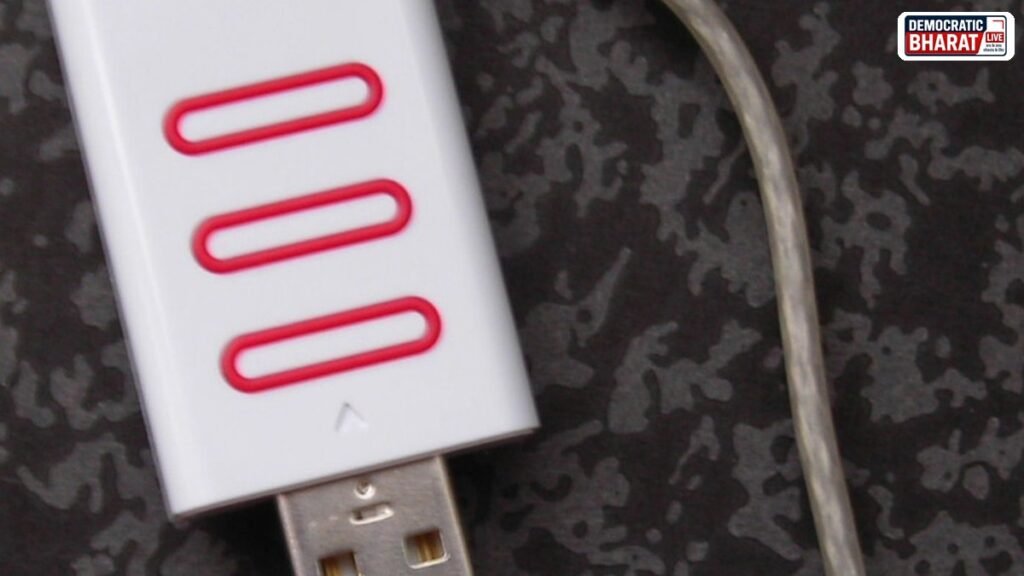
Physical security keys, small devices that plug into a USB port or tap against the phone, offer the strongest protection for most users because they also check that you are on the real website and not a phishing copy. Biometric checks such as fingerprint or face unlock on your own phone are often used as a convenient second factor inside apps.
How to turn it on
Most services keep the option under Security or Login settings, labelled as two step verification, two factor authentication or login approvals. You will be asked to choose a method, such as SMS or an authenticator app, and to confirm it with a code. Start with your email account, because email is used to reset passwords for almost everything else. Then enable it on social media, cloud storage, shopping accounts and any service that holds payment details.
Backup codes and lost phones
While setting up 2FA, many services offer backup codes. Write them down or store them safely offline, because they let you get back into your account if your phone is lost. Also add a second recovery option, such as a backup phone number or email that you control. If your phone is lost or stolen, contact your mobile operator to block the SIM, and use your backup codes to sign in and remove the lost device from your accounts.
Mistakes to avoid
Never share an OTP or an authenticator code with anyone, whoever they claim to be. Do not approve a login prompt you did not expect; an unexpected prompt may mean someone has your password, so change it at once. Avoid using the same password everywhere even after turning on 2FA, because the first factor still matters. Keep your phone locked with a PIN or biometric lock so that the second factor stays in your hands.
CERT-In, the national agency for cyber security incidents, and the Cyber Swachhta Kendra regularly advise users to adopt strong passwords and multi factor authentication. These official portals are good places to read current advisories on new scams and threats.
In short, two factor authentication adds a second lock to your accounts. Turn it on starting with email, prefer authenticator apps or security keys where available, store backup codes safely and never share a code. It takes a few minutes and can save you from losing an account that holds years of personal data.
Also Read: 112 Emergency Number in India: How ERSS Works, the 112 India App and Panic Button
Source: CERT-In, Indian Computer Emergency Response Team, Cyber Swachhta Kendra